Car Diagnosis via App: Instant Result
Anúncios
Understanding what is happening with your car has become much easier and faster. Today, there are applications that allow you to receive full vehicle diagnostics directly on the smartphone, without having to go to a workshop. This technology has changed the way owners monitor the health of the car.
The great advantage of these apps is the practicality. You connect a diagnostic reader to the car’s obd-ii port, open the application, and in seconds receive detailed information about mechanical, electrical and performance problems. The result is instantaneous, the cost is low and you gain independence to make decisions about the vehicle.
How an Automotive Diagnostic App Works
The operation is simple and intuitive for the user.A small physical device (called an obd-ii scanner or reader) connects to the diagnostic connector of your car, located under the steering wheel.This device captures real-time data about the vehicle’s engines, transmission, brake system and sensors.
After the connection, you open the application on the mobile phone and establish a connection via Bluetooth or WiFi between the smartphone and the reader device. The app then translates the technical codes into clear language and offers explanations about each detected problem. You receive alerts about failures, history of previous problems and even preventive maintenance recommendations.
Different Types of Applications Available
There are very basic apps that show only engine error codes, and others that offer deep analysis of complete performance. Some focus only on diagnosing failures, while others bring maintenance history, safety alerts and fuel economy tips.
There are also variations on premium features. Some free apps have severe limitations and show little data. Paid versions unlock detailed reports, performance comparisons over time, and integration with partner workshops.
Comparison Between the Main Options
When choosing an application for diagnosis of your car, you find names like Bluedriver, Torque Pro, OBDLink and Car Maint. Each has strengths and weaknesses that deserve attention. Bluedriver, for example, is known for clean interface and fast customer support, but has a higher initial cost. Torque Pro offers extreme customization and advanced features, but requires more technical knowledge of the user to enjoy everything.
OBDLink stands out for compatibility with virtually all vehicles and the speed of reading the data. Car Maint is more focused on preventive maintenance and expense history. The choice between one option and another depends on you answering: do you want to diagnose occasional problems or track the overall health of the car in the long term? Do you have technical knowledge or need simple explanations? Are you willing to pay an initial fee or prefer something cheaper?
The Role of the OBD-II Reader: Compatibility and Quality
The application alone does nothing without the physical reader that connects to the car. Therefore, the quality of this device is as important as the app. Cheap Bluetooth readers may have problems with unstable connection, slow reading or limited compatibility with certain models of vehicles. You find options that cost from R $ 50 to more than R $ 500, and this price difference directly reflects in reliability.
Some apps come with their own unique reader, which ensures full compatibility between hardware and software. Others work with any generic OBD-II reader on the market, giving you more freedom of choice. Before downloading any app, check which readers it supports and compare the total cost of the investment, not just the app.
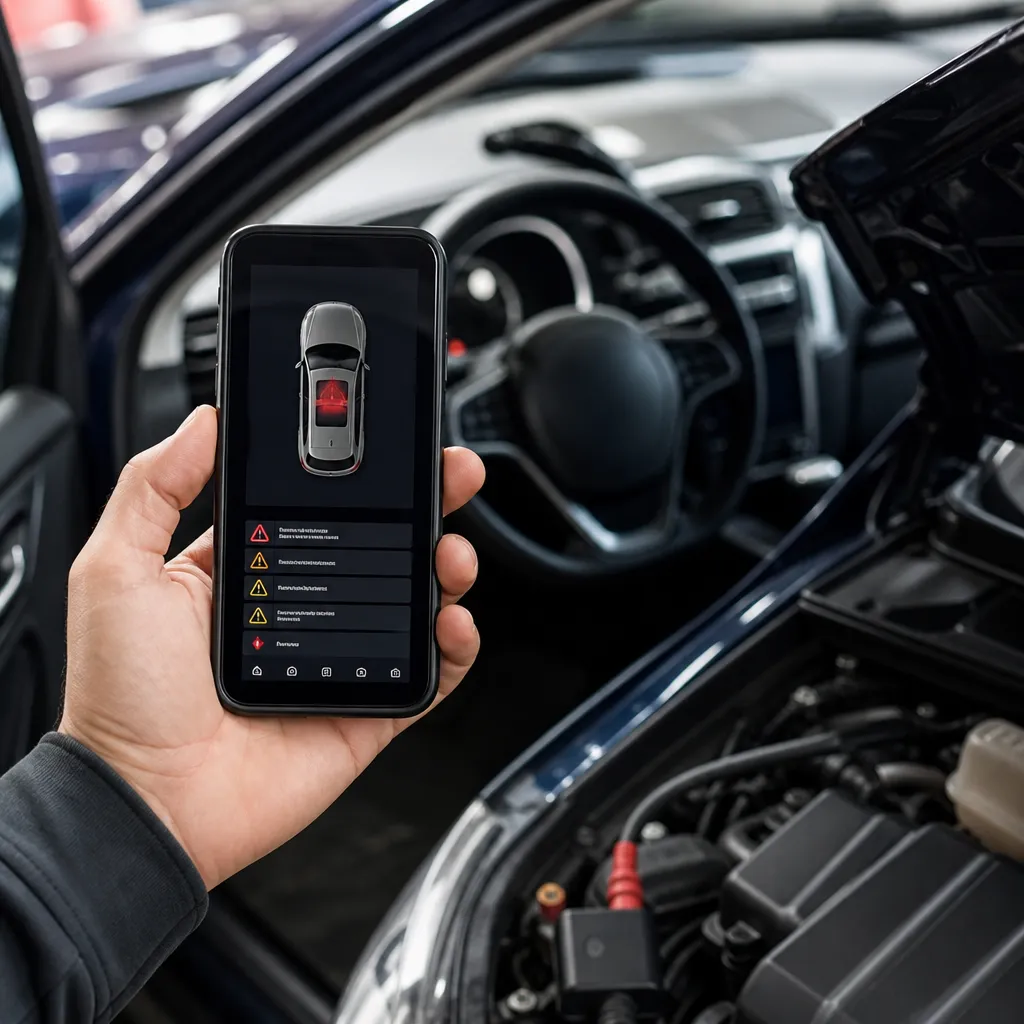
Advantages of Receiving Instant Diagnostics on Your Smartphone
The practicality of having the car diagnosis in the palm of your hand is revolutionary. You do not need to schedule a visit to the workshop, it is not dependent on the opening hours of the place and does not pay basic diagnostic fee.In seconds, you know if the problem is serious or if you can wait for the next scheduled maintenance.
In addition, you gain bargaining power with mechanics and workshops. When you arrive with a diagnosis already made, you know exactly what the problem is and can compare budgets. This protects you against unnecessary charges or repairs that make no sense. For owners of old or imported cars, these apps are especially valuable, as specialized workshops can charge you dearly for diagnosis only.
Limitations and What You Need to Know
Not everything is flowers. Diagnostic applications have important limitations that you should know before investing. The main one is that they read only the data that the car itself stores. If the sensor is not capturing the information correctly or if the problem is very subtle mechanical, the app may not detect. A noise in the engine, for example, may require human evaluation that the application does not offer.
In addition, some newer cars, especially luxury ones, have closed proprietary systems that limit access to data. Not every reader can read complete information from all vehicle systems. You also need to be careful with updates: an app can stop receiving updates and become incompatible with new car models. Therefore, choosing an application from an established and reliable company is critical.
Another important point is that identifying the problem does not mean knowing how to fix it. An application can say that the oxygen sensor has failed, but you still need to hire a professional to change the part. The app does not replace the technical manpower, it only reduces uncertainty and diagnostic cost.
How to Choose the Best Option for You
Ask an honest question first: what is your goal? If you just want to check error codes occasionally, a basic free app may be enough. If you keep an old vehicle and need to constantly track health, invest in a more robust app with detailed history. Owners who drive often long distances earn a lot with preventive alerts and real-time monitoring.
Search for actual user reviews in app stores, but remember that reviews can be skewed.Search for reviews that mention compatibility with your specific car model.Test the free version before paying for premium.Comparing the cost of the OBD-II reader with the cost of the app.Sometimes spending more on a complete kit of superior quality saves future frustration.
Also check if the application offers support in Portuguese and if there are active user communities where you can ask questions. An app with good documentation and engaged community is worth more than a technically superior but with little support. You want a tool that works well and that you understand how to use fully.